05.12.26
Why Your Phone Says ‘No SIM Card’ and How to Fix It
by Kathy Hinson
Activating a SIM card or eSIM lets your device connect to a cellular or data network. It's key to using your phone away from Wi-Fi.
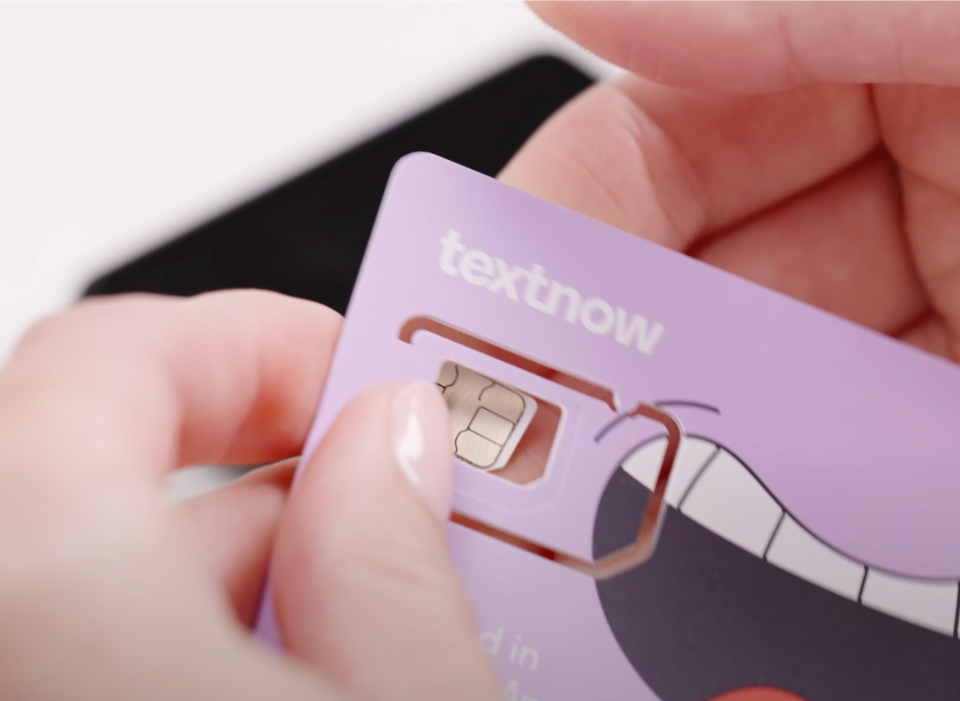
Getting a new phone or switching to a new phone service is an exciting upgrade, which requires activating a new SIM card or transferring a SIM if possible. Whether it’s an eSIM or a physical SIM card, the steps vary slightly between carriers (and in some cases, between operating systems). It's important to follow the right steps for your particular situation.
The SIM card is what lets you connect to a cellular or data network so you can use your phone away from Wi-Fi. So it’s crucial for enjoying your new phone or new service.
We put together this easy-to-follow guide that will help you activate almost any SIM card. You can use these links to jump directly to the section you need:
Note: Beginning with the iPhone 14 in 2022, Apple has switched to eSIMs only in iPhones. If you have a 14 or later model, read about how to activate an eSIM on an iPhone or see below for general eSIM activation info.
The first step is quite simple:
Most carriers require you to activate the SIM card before you can use it. After you insert the SIM card into your phone, you may see that it connects to a network but you’re not able to get any service (the signal bars have an X over them), or that it struggles to connect to a network. In that case, follow the specific steps outlined by your carrier to complete activation. Those prompts should be provided by the carrier with the shipment of the SIM card, or you can follow these instructions for the Big 3 networks:
If you have a desktop computer or laptop, it’s recommended to follow these steps there, but if not, you can use your new phone over Wi-Fi to complete them.
For a new AT&T customer:
For an existing AT&T customer:
If you have a desktop computer or laptop, it’s recommended to follow these steps there, but if not, you can use your new phone over Wi-Fi to complete them.
For a new T-Mobile customer:
For an existing T-Mobile customer:
If you have a desktop computer or laptop, it’s recommended to follow these steps there, but if not, you can use your new phone over Wi-Fi to complete them.
For a new Verizon customer:
For an existing Verizon customer:
Once you've completed your carrier activation steps, restart your phone by turning it off and back on. That lets the phone reset to the new configuration and connect to the network.
Even if everything looks good and you see a network connection, you still want to test it out. Check that calls and texts go through, and that you have data access on your mobile browser without Wi-Fi. If not, contact your carrier for further troubleshooting steps. Some carriers may require you to change APN settings on your phone in order to connect to the network.
With a physical SIM, you may be able to simply move the card from your old phone to the new one to continue service. Here's how:
Note that some carriers may require you to get a new SIM card rather than simply moving your existing one to a new device. In that case, follow the steps to activate the new SIM when you receive it.
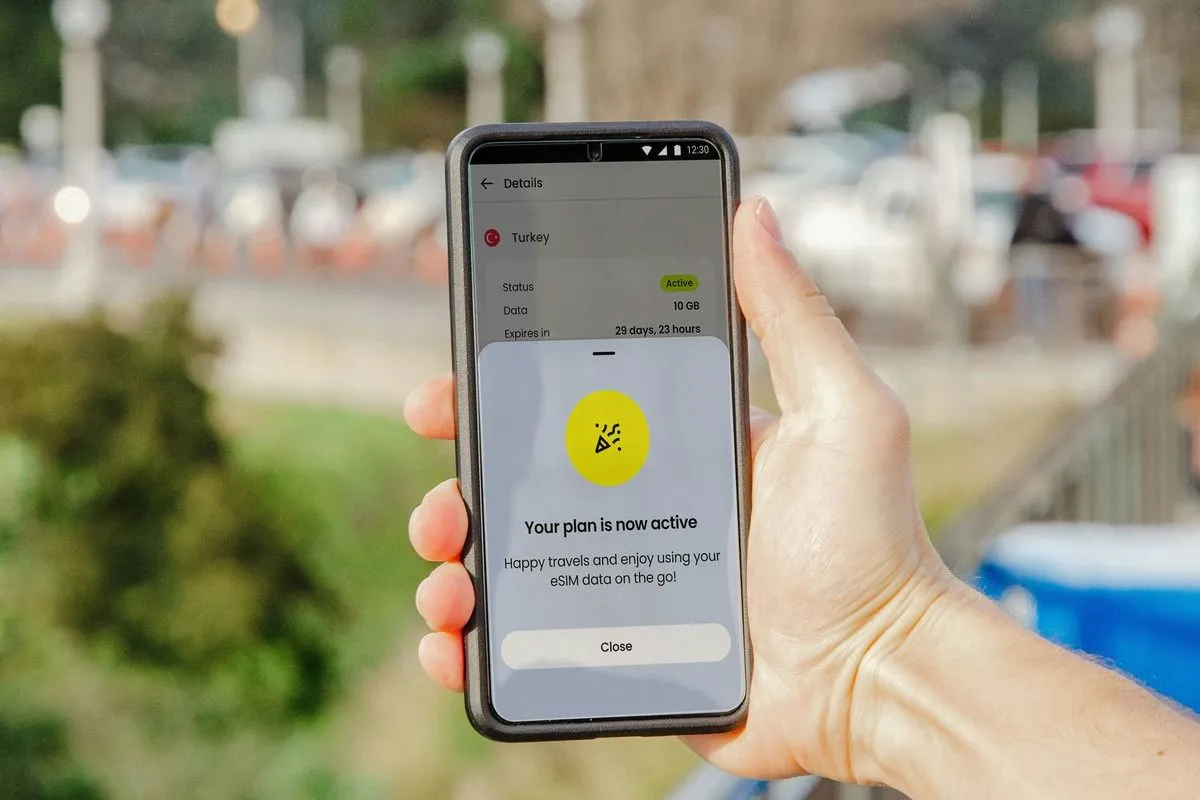
After purchasing an eSIM, your carrier should provide you with activation details, which will most likely be a QR code or an activation code.
An eSIM activation is fairly consistent across all devices, with some minor differences based on where you scan the QR code or enter the activation code.
Activate eSIM on an iPhone:
Activate eSIM on an Android:
Once you've entered activation details, follow the on-screen instructions to complete the process.
It may not be explicitly asked, but it’s recommended that you also restart your phone (turn it off and back on) to configure the settings properly.
Check that calls and texts go through, and that you have data access without Wi-Fi. If that’s not the case, contact your carrier for further troubleshooting steps.
Make sure your carrier supports eSIM transfer, then choose the path the fits your situation:
iPhones:
Apple has good step-by-step help guides on various eSIM activation and transfer configurations.
Androids:
There are two main types of SIM cards: eSIMs, which are embedded in the phone and not removable, and physical SIM cards that you can insert and remove.
There's a good chance your phone has eSIM capability, and in fact it may be eSIM only. In the U.S., iPhone models 14 and later have eSIMs only and are dual SIM. Most later-model Androids also support eSIM and may pair it with a nano SIM in a dual SIM set-up.
To find out what kind of SIM card you have, you can search online by model name, such as “type of SIM card in Moto G Stylus.” You can also search by model name and “dual SIM” to see if your phone supports more than one SIM.
You can also simply remove your phone’s physical SIM and look at it. If it’s mostly chip with very little surrounding plastic, it’s a nano.
In addition, cards differ based on whether they’re for a postpaid phone plan or a prepaid phone plan.
A postpaid SIM card is used to activate a postpaid phone plan, which is a type of plan that bills you for service after the month ends. These are more commonly used by the Big 3 carriers (AT&T, T-Mobile, and Verizon) and lock you into a contract. These tend to be the most expensive plans, up to $100 a month for one line, but there are many affordable phone plan alternatives.
A prepaid SIM card, on the other hand, allows users to pay for mobile services in advance. That lets you access much more affordable prepaid phone plan options. It's also the most common type of SIM used by international providers for affordable coverage while you're travelling.
Have questions or comments? Send us a note at [email protected]!