04.30.26
What Is an eSIM? How eSIMS Work, How to Use an eSIM
by Valeria Dulava
Your phone needs a SIM card to connect to a cell tower so you're not reliant on Wi-Fi. Here's how SIM cards work.
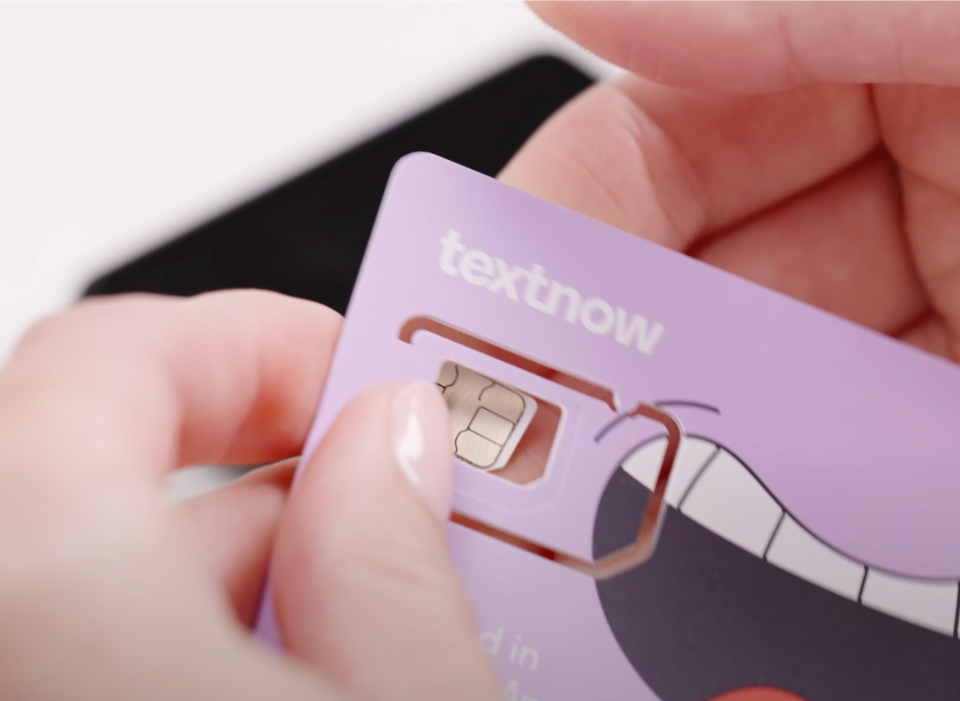
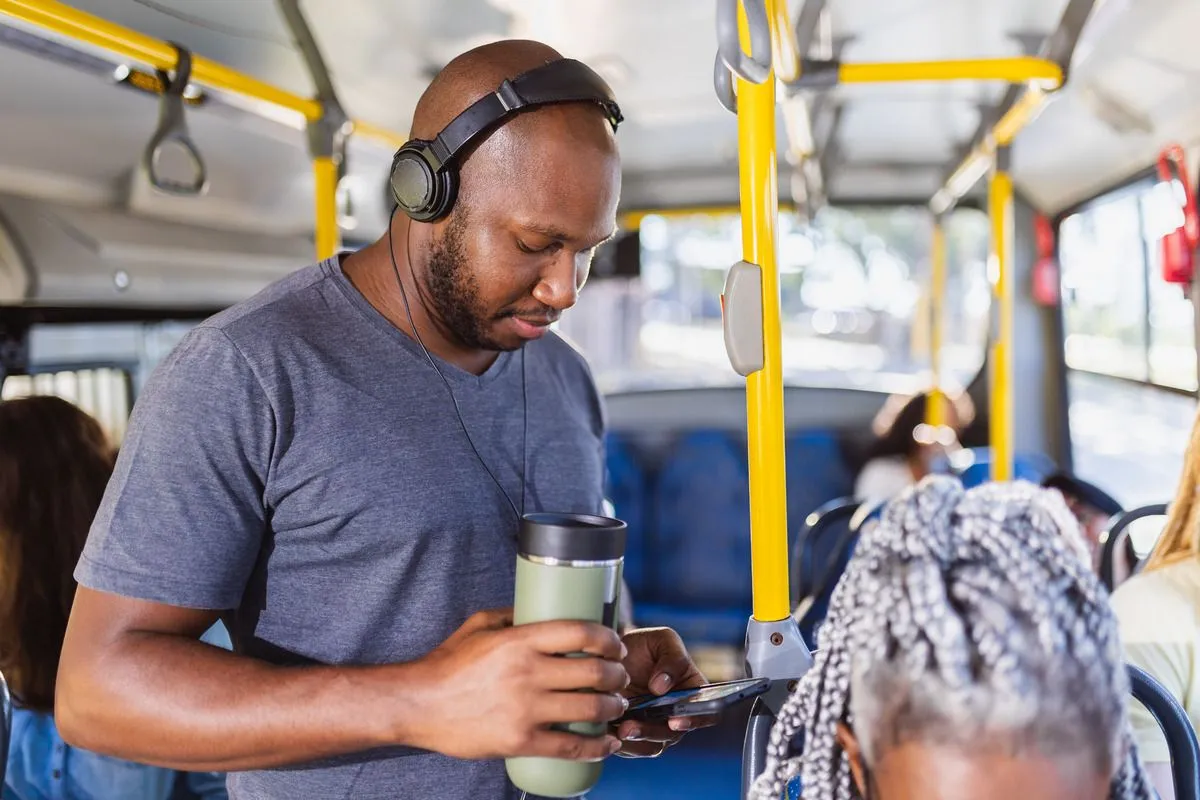
When we think about all the things that we can do with our phones, tablets, even some smartwatches — listening to a podcast on the bus, sending an email while in line at the coffee shop, answering a text while walking the dog — none of them would be possible without a SIM card.
SIM stands for Subscriber Identity Module. It's the key that unlocks your connection to cell towers so you can use your phone without Wi-Fi.
If you’ve wondered what a SIM card is, what it does, and how to use one, here’s our simple lesson on SIM cards.
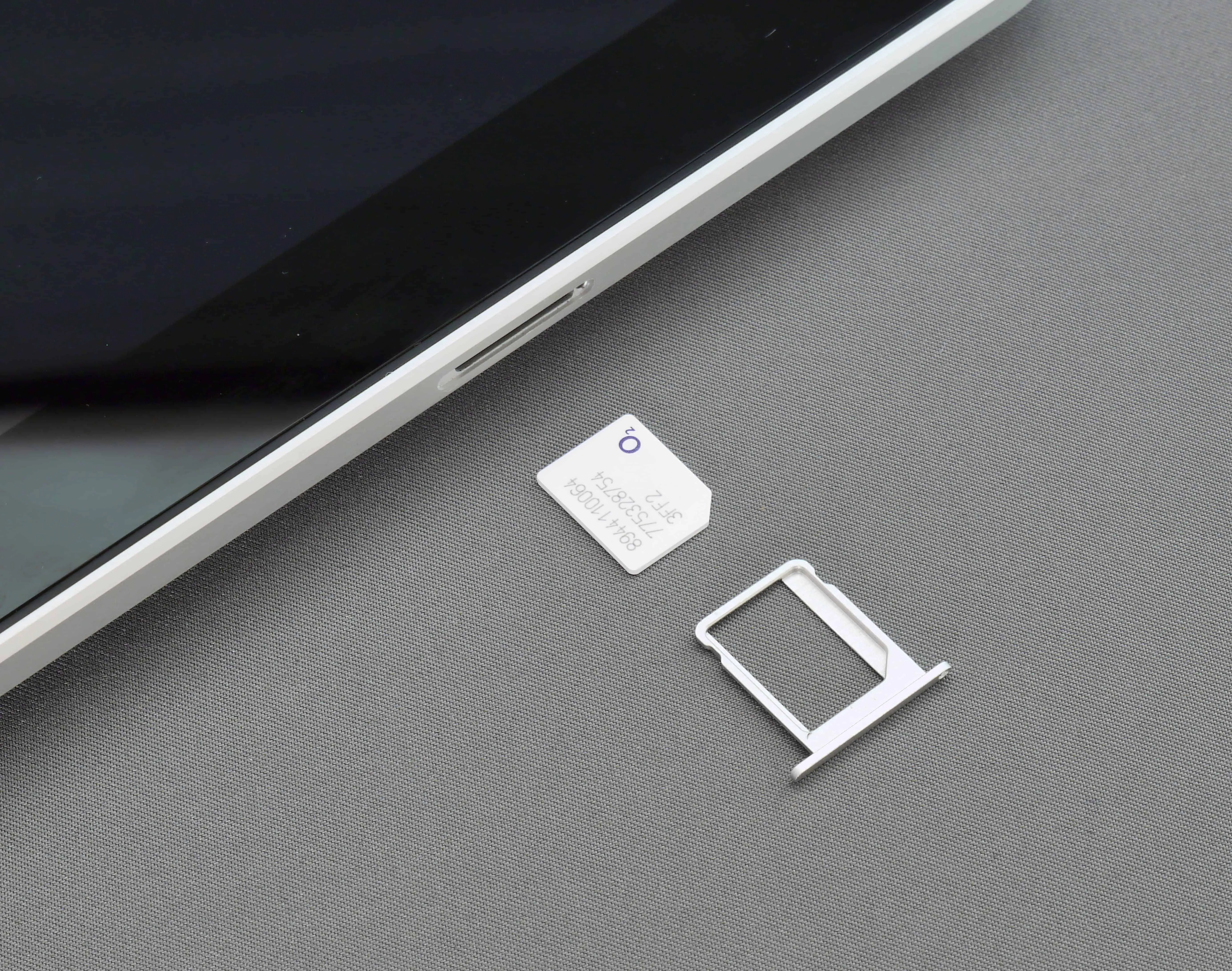
A physical SIM card is a small, removable chip used in phones, tablets, and even some smartwatches. (There's also a newer type, called an eSIM, that's built into your phone and not removable.)
SIMs store the identity and authentication information necessary to connect to a network. They also store your phone number, with some exceptions.
Note: If you’re using TextNow’s phone service, your phone number won’t be stored on the SIM card, as it’s directly tied to your TextNow account instead, making it even easier to use your number on another device.
Each SIM card is assigned a unique identification number and stores information about your phone plan (type of plan, available data, voice minutes, and text messages). Carriers then use this information to verify your account status and charge you accordingly on your monthly bill.
Whenever you send a text message or make a call on traditional carriers the device sends a signal to the network to request access. The SIM card is used to verify that you're allowed to send a text or make a call within that network. If rejected, the call/text will fail. For data access, the same process applies: If your SIM card is authorized, what you're trying to access will load, if not, you'll get a "no internet connection" error. Simply put, SIMs are key to how a phone plan works.
Simply put, when a SIM card is inserted and activated in an eligible device, it allows that device to authenticate with a mobile network (e.g. AT&T, T-Mobile, Verizon, etc.). This gives you the ability to connect to the cellular network, but how much you can do on that network still depends on the details of your service plan.
For example, if you chose a talk & text only plan, then this connection will allow you to make and receive calls and send and receive texts. But if you were to try to open up a browser or an app that requires an internet connection (like YouTube), you wouldn’t be able to load anything, because your plan doesn’t provide a data connection. You would have to rely on Wi-Fi to use any of those other services.
On the other hand, if you pay for an unlimited data plan, then the SIM connection will allow you to do everything on your phone or tablet, as long as you are within range of the network. Different networks will have different levels of coverage in your area, so it's worthwhile to check what carrier has the best coverage in yours.
The simple answer is no. The more nuanced answer would be: Somewhat. Your phone will not be able to connect to a network without a SIM card, therefore, you won't be able to access your number for calls or texts (with some exceptions pertaining to emergency 911 calls and use of SOS mode), or to use the internet.
The phone isn't necessarily a brick, though. It can still connect to available Wi-Fi networks, allowing you to browse, stream, even access your phone number in some cases to do everything you need to do on your phone.
Nowadays, SIM cards have limited storage. They mainly store your network plan information (to be able to authenticate and connect you to the network), and your phone number.
In the past, they used to store more info, like pictures, passwords, contacts, and text messages. But SIMs have simplified, and most of that information is now stored virtually so it can be accessed anytime on any device.
SIM cards have been greatly simplified since their inception in the early '90s. While there are several types (or sizes) of SIMs available, nowadays, the most common ones you’ll see are the nano SIM and the eSIM:
The process for activating a SIM card may vary between carriers, so we would recommend checking out your carrier’s support for relevant instructions. (And if you're getting a new number, check out steps to take before changing your phone number.)
But the general method of activating a SIM card follows these simple steps:
If you run into any issues with your activation, contact your carrier directly for further support.
As long as the phone you bought is carrier-unlocked, you can easily swap SIMs between devices, as your SIM holds your phone number information and carrier information. This means that when you put your SIM into a new phone, you’ll be able to activate it with the same network and make and receive calls and texts without having to do any other external work:
Note that as SIMs no longer store contacts or text messages, you will have to restore those using Cloud storage services, like iCloud, or Google Drive.
An eSIM is a digital version of a SIM card that's built into your device, eliminating the need for a physical SIM card by scanning a QR code or link provided by your carrier. The “e” stands for “embedded,” which just means that it can be activated on your phone without the physical card. For example, TextNow users with an iOS device can get and activate a free eSIM from within the app.
Once activated, an eSIM functions just like a traditional SIM card, allowing you to connect to cellular networks, make calls, and use mobile data.
Many modern phones will list having dual SIM capabilities, which just means that the phone can have two active SIMs. A dual SIM phone may have a physical SIM card plus an eSIM or simply two eSIMs.
Dual SIM capability is especially convenient if you travel, allowing you to activate a local SIM card without having to make any changes to your current plan. When shopping around for the best phone deals, this may be a factor you'd want to consider.
Have questions or comments? Send us a note at [email protected]!