06.15.26
What to Consider When Picking a Phone Plan: Your Complete Buying Guide
by Valeria Dulava
Don't let a scammer hijack your phone number and use it to steal your money or your identity.
You may have heard of SIM swap scams, which are a growing threat. In a SIM swap, a scammer takes control of your phone number by porting it out to their own SIM card.
Once a scammer has ported your number to a SIM they control, they have access to lots of sensitive personal information: email, bank accounts, personal accounts, and of course your phone service. They're receiving calls or texts to your number, including 2-factor authentication codes.
It’s a serious scam that can cause a lot of trouble, so we put together a comprehensive guide to help you prevent it from happening to you.
A SIM swap scam (also known as a port-out scam) is a type of scam in which an account – in this case, a phone number – is taken over by the scammer. By owning your number, the scammer can now request one-time verification codes for accounts that use your number to access them. This can include banks (any financial institution, really), social media accounts, email accounts, insurance accounts, and more.
Once they have access, they can also lock you out by changing the password, and without your recovery phone number, you’d have a much harder time undoing all that damage.
The silver lining in this scam is that it’s not actually all that easy – it takes some groundwork. In order to convince your phone provider to port your number out to their own device or SIM, the scammers need to have your personal information already. They obtain it either via phishing scams such as phishing emails, or by purchasing your data on the Dark Web from other companies’ data breaches.
Once they have your data (name, address, security answers, even passwords in some cases), they can contact your phone service provider and request a port-out under some believable excuse or pretence.
Phone cloning is a related scam, in which a criminal copies identifying information from your phone to a duplicate phone. The result is the same as with a SIM swap — if your phone has been cloned, your calls and messages are going to the criminal instead of you, including security code messages.
One surefire way to know if you’ve fallen victim to a SIM swap scam is if your phone simply stops working. It won’t connect to the cell network, and you won’t be able to make calls, send texts, or surf the internet when you’re not connected to Wi-Fi.
Note: This experience will be different if you’re using TextNow as your phone service. While your phone number can be ported out, it doesn’t control whether you get data service, as that's not tied to your SIM card. So you will still be able to use data for all your other apps, but you will be notified that your number is gone and you need to pick a new one. Contact customer service immediately for help.
With phone cloning, you might receive some service but you're likely to see disruptions, notice performance problems, or miss getting two-factor authentication messages when you expect them.
The good news is: SIM swap scams are easily preventable. Follow this guide and start implementing as many of the steps as you can to keep your phone number (and other accounts) secure:
Many carriers provide a security setting that lets you prevent your number from being ported to another SIM unless you turn the setting off. The name varies — look for number lock, port-out protection, SIM protection, or something similar. Contact your carrier to find out whether you can turn on this protection so that no one but you is able to port your number.
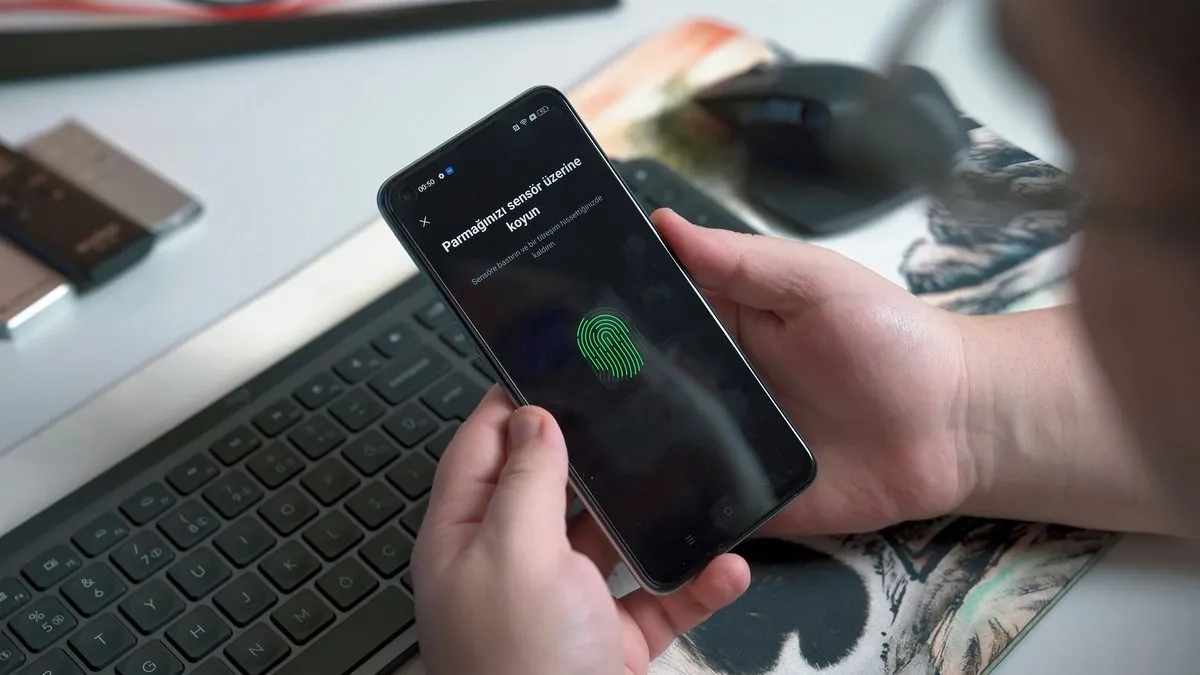
Many financial institutions like banks, investment house, etc. will let you add facial recognition or touch ID as authentication measures. A scammer may steal your phone number but they can't steal your face or fingerprint.
You know how when you sign up for an account Google or Apple will ask you, “Do you want to remember this password?” and save it for you? Well, in the case that someone is able to gain access to your Google or Apple accounts, they can then easily access all your other accounts without ever needing to find out your password, because it will just automatically fill in for them.
Instead of saving passwords to Google or Apple, writing your passwords in a digital notepad, or — even worse – reusing the same password for everything, get a password manager.
1Password, LastPass, NordPass, and Bitwarden are all great options that will encrypt your passwords and allow you to access your account with one “master” password to make your life easier, while they also keep it safer.
It’s simple – to ensure that your number can’t be used for 2-factor authentication, don’t set it up for 2-factor authentication. Where you can, set up an actual authenticator app (Google has a free one!) instead of using your phone number or email to receive 2FA codes. With an authenticator, all you have to do is open up that app to get a randomly generated number (that’s refreshed every minute), which you then use as your extra security step when logging in to accounts.
The more information scammers can get from you, the more vulnerable you become to any scam. Know how to identify a phishing scam so you don't fall for one.
>> Read more: How to protect your data on your mobile device.
As soon as you realize your number is no longer working, contact your phone carrier. If you’re using a phone number with a traditional carrier and don’t have access to cell service, ask a friend or family member if you can use their phone. Better yet, connect to Wi-Fi and download TextNow to get a free local number that you can use for calls and texts during this time.
Next, freeze important accounts. Contact the fraud department at the financial institutions you use (banking, investment, etc.) to explain you've fallen victim to a SIM swap and want to freeze accounts and review activity for fraud. Also freeze your credit reports, if you haven't already. Contact Equifax, Experian, and TransUnion individually to freeze each one.
While it is harder to disable 2FA without the phone number it was set up with, it is possible. If you saved the original “back up codes” provided, you can disable it with those. But in most cases, you may just need to contact customer support of the account the 2FA is set up with to disable it and secure that account.
Once your number is restored to you or you've established service on a new number, change passwords on sensitive accounts like email and finances.
Other than contacting your mobile service provider, you can also report the scam to the FCC, so they can gather more information on this type of fraud and use the data to set up better federal enforcement and consumer protection efforts.
You may also want to file a report with your local police department. A police report can be useful if you have to file credit disputes or insurance claims in the future due to the SIM swap.