Written by Kathy Hinson
How to Set Up Your Kid's First Phone: A Simple Checklist for Parents
A first phone should give you peace of mind, not a new part-time job managing settings.
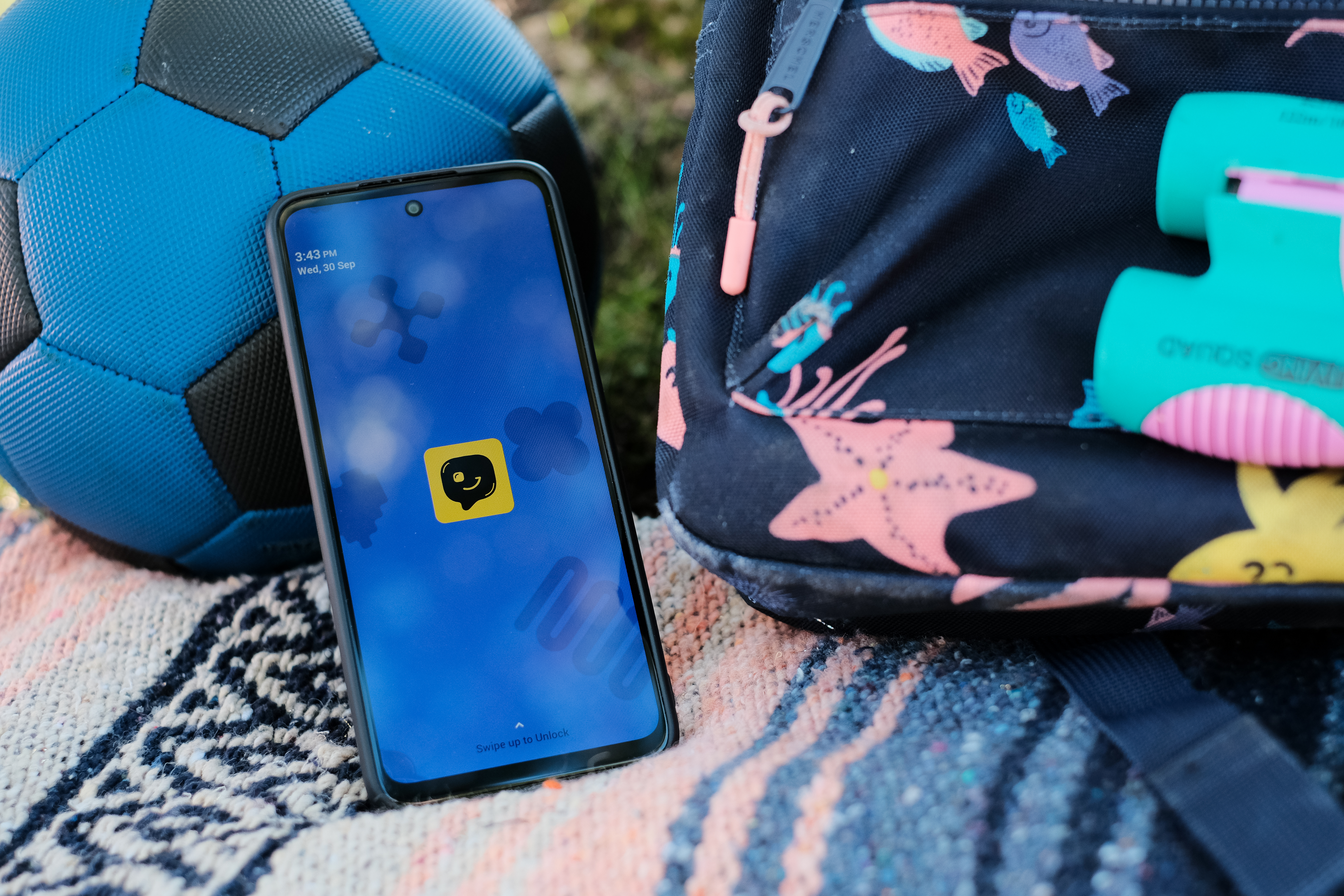
Parents face a long list of decisions while raising kids. When to give them a phone is a big one. Fortunately, there’s a lot of expert advice to draw on, and a variety of devices and plans families can use to suit their own needs.
The short answer
Here’s a quick first phone checklist, which we’ll unpack in detail below:
- Start by choosing a phone that fits your child's age, offers the safety features you want, and will be easy for you and the child to live with.
- Next, create the parent account so you can add the contacts your child is allowed to call and text, turn on location sharing, decide which features are on, etc.
- Before you hand over the phone, discuss family rules and safe phone use.
Pick a phone that fits your child's age and your needs
Younger kids benefit from a phone that’s designed with safety built in. First phones for kids typically have no internet or social media and feature just a few simple apps. That protects kids from addictive scrolling and potentially harmful content. And parental control of the contact list prevents communication with unknown or unsafe individuals.
Also consider ease of use for both you and your child. Some first phones layer on monitoring and filtering software that can cause lag and battery drain — while also spitting out a steady stream of alerts. Others have options for setting screen time rules, per-app time limits, and more. That can turn into a big time commitment for parents.
A simpler approach is having guardrails built into the phone itself, with limited features. Yello! takes that approach, avoiding the need for background surveillance, alerts, or intensive parent set-up.
>> Read more: At what age should a kid get a phone?
As your child ages, you might want to give them more access while keeping a handle on data use and screen time. That can be accomplished by picking the right phone plan for teens, paired with a smartphone plus a monitoring app or parental controls.
Your first-phone setup checklist
Once you’ve settled on a choice that fits your family’s needs, it’s time to dive into setting up your child’s first phone.
Create the parent account
The parent account is where you manage things like your child’s contact list, see their location, manage their access, and more. You may be asked to create a parent account when ordering a kids phone or it may happen after you’ve received the device. For example, with Yello! you create an account and pick your child’s number when ordering, and the phone arrives pre-configured.
Note that most, if not all, kids phones will let you port in an existing number if you have one you want to use.
Add approved contacts
Most first phones for kids set parental control of the contact list as a default, but a few require parents to toggle it on. Especially when giving your child their first phone, it’s important that you decide who your child can interact with.
Check to make sure unknown numbers can’t call or text your child. Yello! approved contacts work in both directions: Only approved people can reach your child, and your child can only reach approved people. Parents can add or remove contacts anytime in the Parent Portal.
Turn on location sharing
As your child spends more time away from home — at school, in after-care or afterschool activities, taking the bus — you want the peace of mind that comes from being able to see where they are.
Follow the phone’s instructions to allow location sharing, which may involve enabling mobile data (even if the plan you selected does not otherwise provide data for your child’s use). Note whether the phone you chose provides real-time updates, like with Yello!, or on a set interval, such as with Gabb’s 15-minute updates.
Keep in mind that location tracking depends on the phone being on and connected, so plan to help your child understand how to keep the phone charged, avoid turning it off, etc.
Decide which features are on
Depending on your choice of phone, you may be able to turn on additional features when you decide your child is ready. Ideally, you start with a highly curated safe space for your child to let them adapt to having a device and using it responsibly. For example, Yello! has simple games, but parents can turn them off if they prefer.
Some phones have the option to add an internet browser or app store, such as Bark Phone on its higher-cost service plans. That capability also means a tech-savvy kid might be able to access something parents don’t want. You might prefer a phone with no browser or app store capability. Later, you can simply transition your child to a regular phone paired with parental controls and a modest data limit when they’re ready.
Set family rules
Before you hand over the phone, set the rules. This sets up your child for success and saves you the headache of trying to rein in use after the fact. Common “first phone rules for kids” include:
- Always answer calls or texts from family.
- Keep the phone charged and on so family can reach you or see where you are.
- Do homework first, before phone time.
- Put away phones during meals and family activities.
- Stick to family rules on total screen time per day or week.
- Stop phone use an hour before bedtime to ease the transition.
- Keep the phone out of the bedroom (parents keep the phone overnight, or charging happens in a common spot like the kitchen).
Beyond your family rules, also help your child understand school and societal rules. Many schools have policies limiting device usage; check your school’s website or call for guidance you can go over with your kid. Also, educate them about acceptable electronic communication: don’t say or share anything you wouldn’t in person, no bullying, etc.
Depending on your child’s age or reading readiness, you could make a list of the rules and post them as a reminder.
Teach the basics before handing it over
The main point of a phone for kids is safe communication, especially with family. Walk your child through situations they might face and what to do. Help them understand:
- How to call or text a parent.
- How to call emergency services using 911, plus rules around it (don’t call just to see if it works, don’t hang up until told to by emergency personnel, etc.).
- What to do if an unknown number calls or texts.
- What to do if they face bullying or uncomfortable texts.
- What to do if something feels wrong (including permission to simply ignore calls and texts from non-family).
Think of it like giving your child their first bike: You’d spend time teaching them how to ride, explaining safety and road rules, etc. It’s easy to view a phone as a simple device, but there’s a fair amount of knowledge involved in using one safely. You want your voice to lead that conversation, rather than their peers’.
Check in and adjust as they grow
As your child grows, so will their communication needs and savvy. Review and adjust your family rules at regular intervals; this also helps keep the rules top of mind for your child.
Eventually, your tween or teen will be ready for more freedom built on the foundation you’ve established. Having a no-contract kids phone and plan, such as Yello! provides, sets you up to effortlessly change when needed.
Setting up a smartphone Instead? Start here
Depending on your child’s age and readiness, you might have already chosen a full iPhone or Android. Both can be used with family settings to provide more safety.
For iPhones, Apple Family Sharing provides safety features like location sharing, “ask to buy” controls, and Screen Time settings.
For Android phones, the Google Family Link app provides location tracking and lets parents set screen times, manage apps, set content filters and more.
It’s still important to back those up with family rules and expectations around school policies.